
 4.7 out of 5
Basket
Your Basket
Total
Your basket is currently empty
Continue Shopping
Loading matching results...
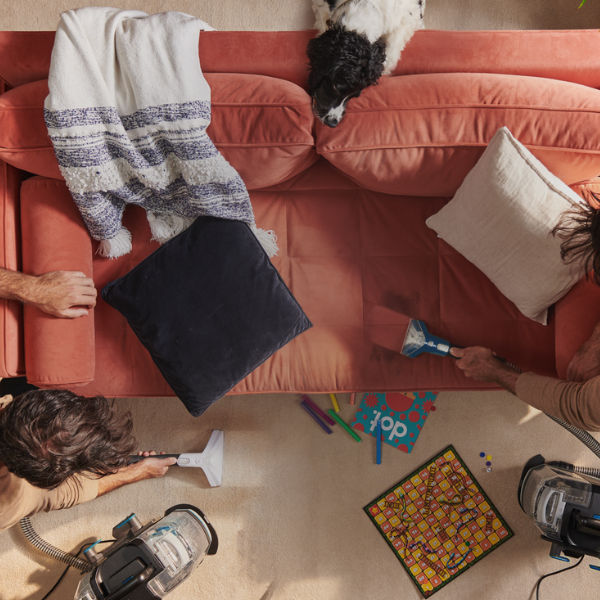
ONEPWR Compact Cordless
Register Your Product
You can register your Vax product on the Vax website registrations page.
Register your product
Quick links:
How to videos and documents
Useful video and PDF guides, showing you how to use, maintain and fix your Vax product.

Maintenance
Here is what you can do to keep your appliance performing at its best.
Removing and cleaning the brushbar
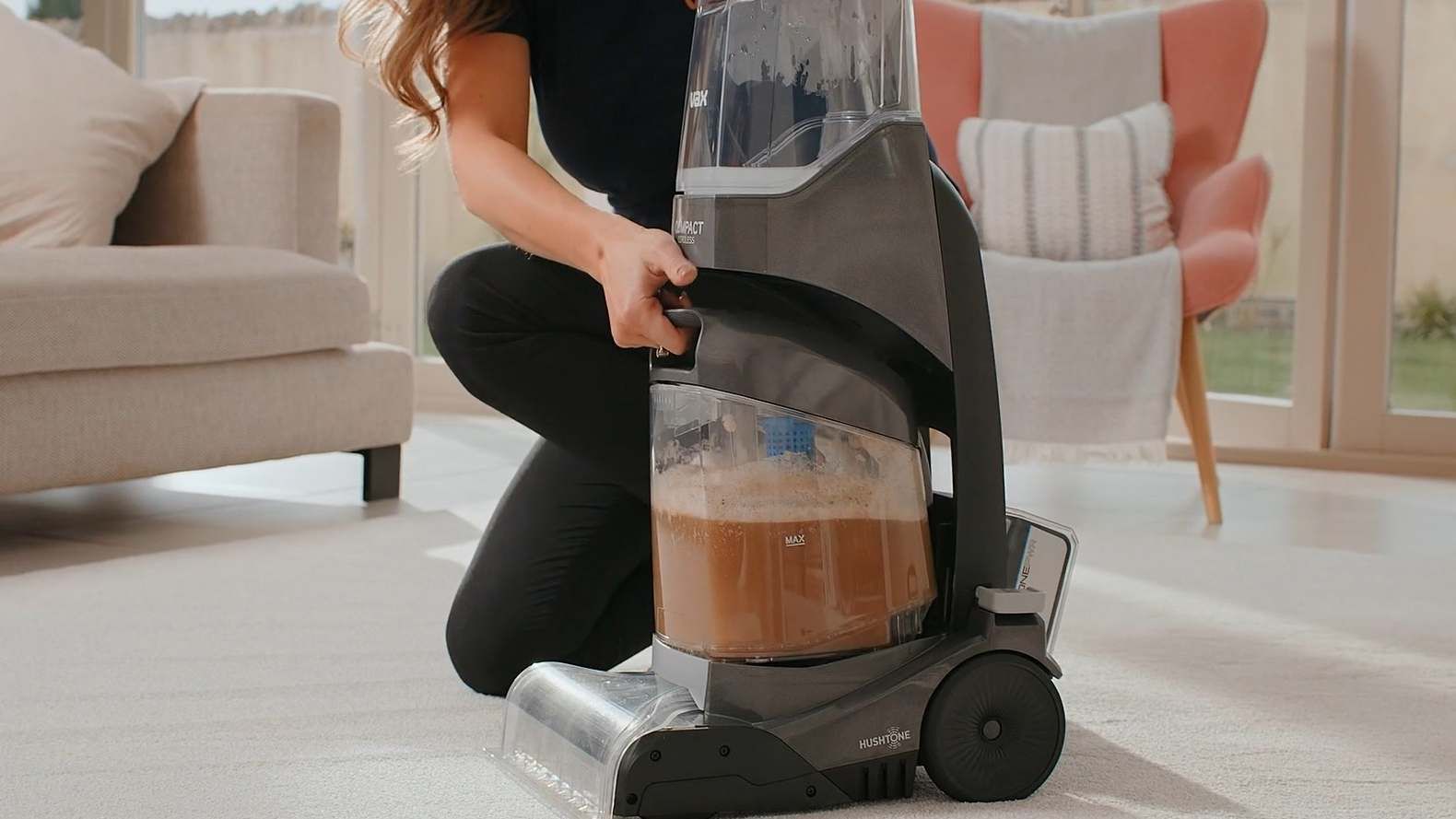
Remove the battery and both tanks.
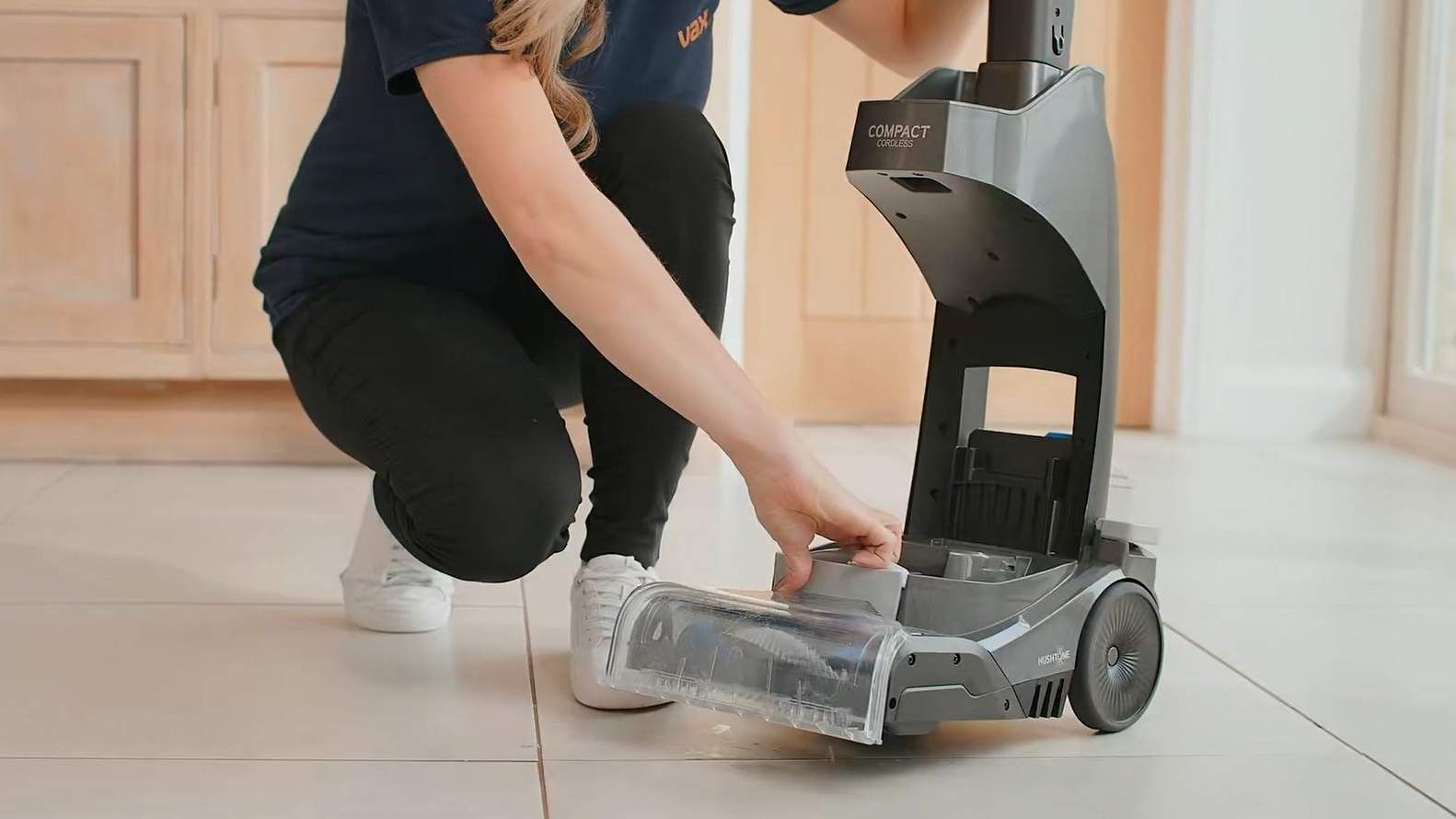
Pull to release the nozzle and unhook from the tabs underneath the machine.
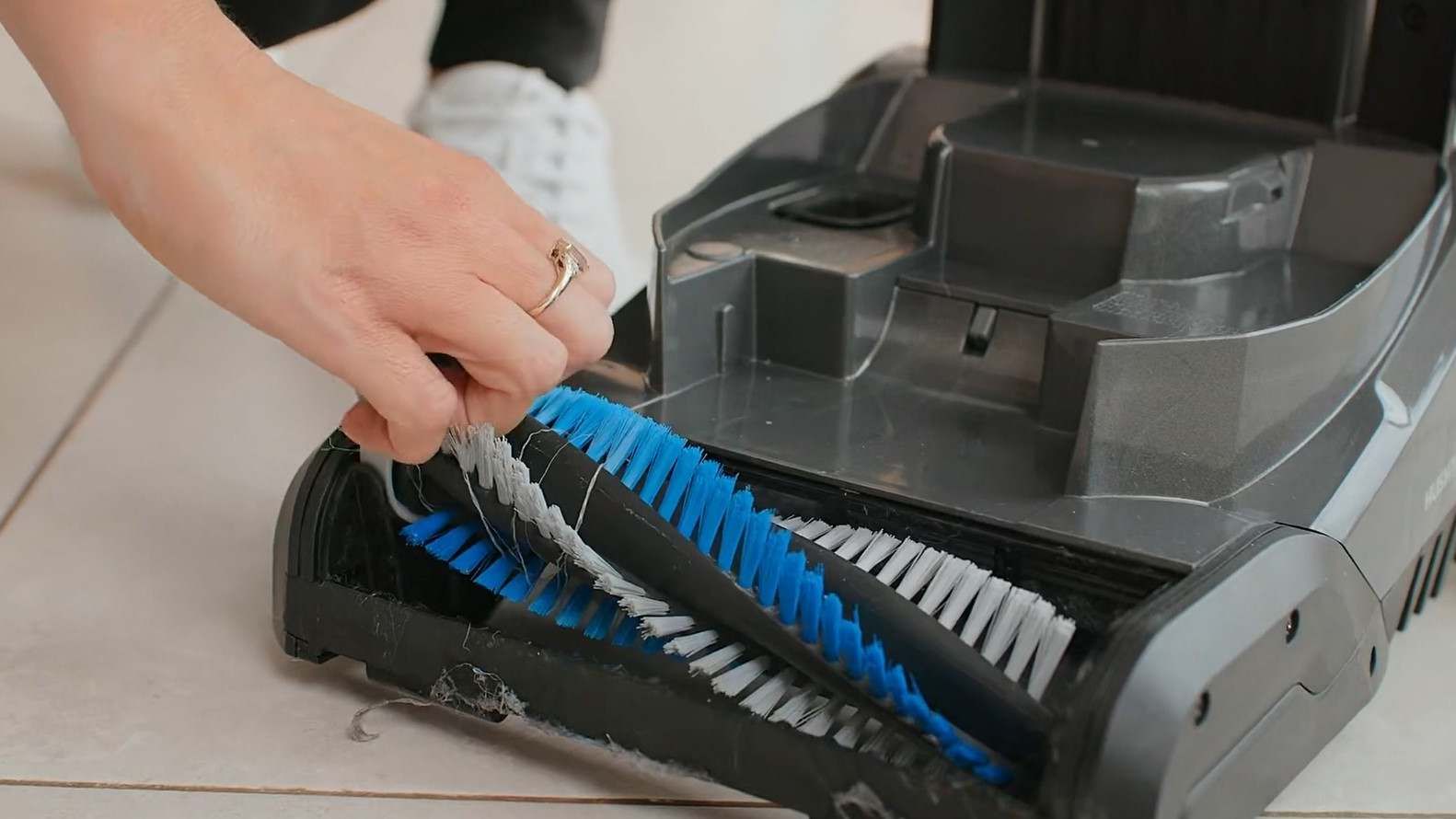
Pull the tab to remove the brushbar.
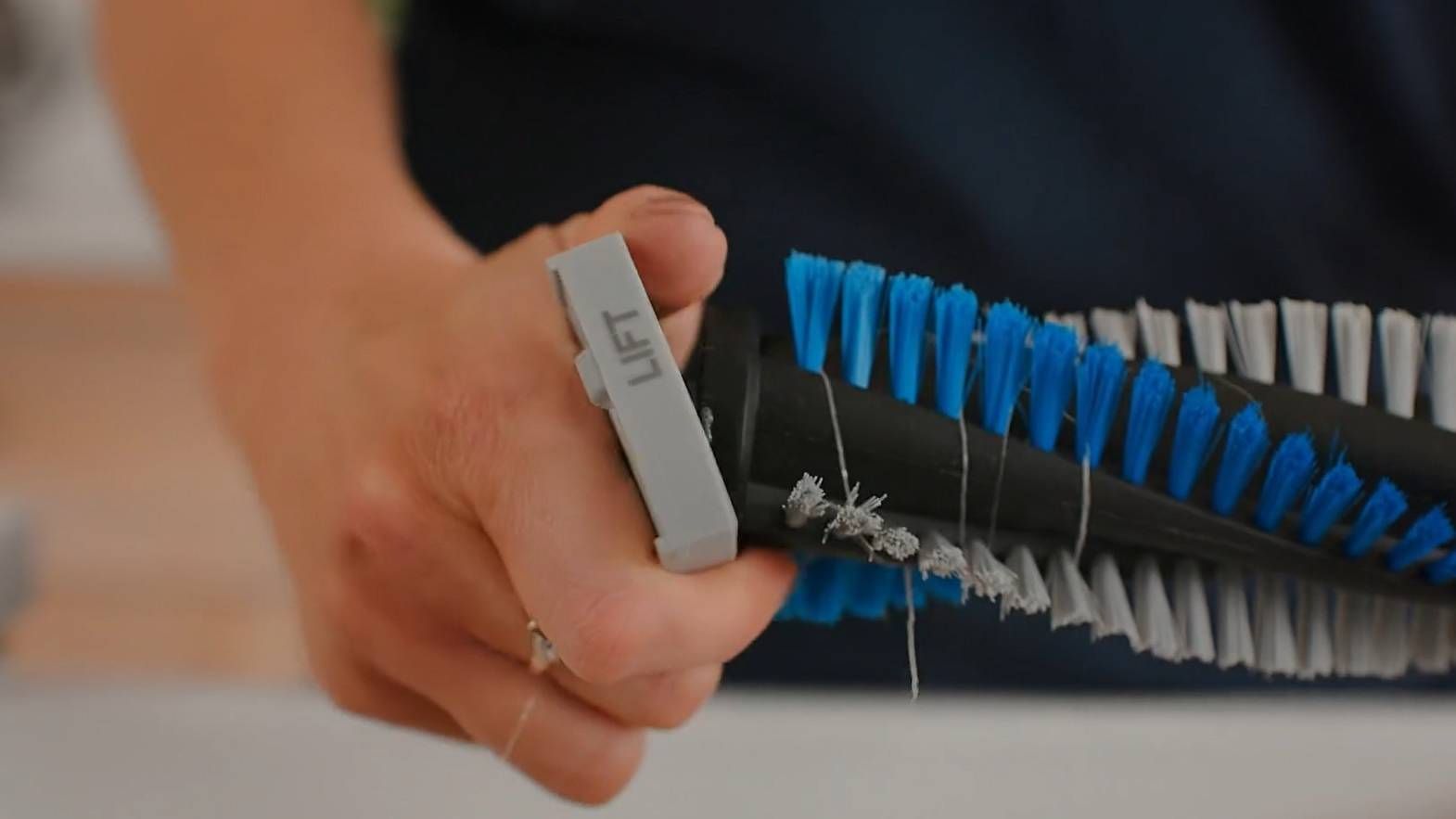
Remove the brushbar endcap.
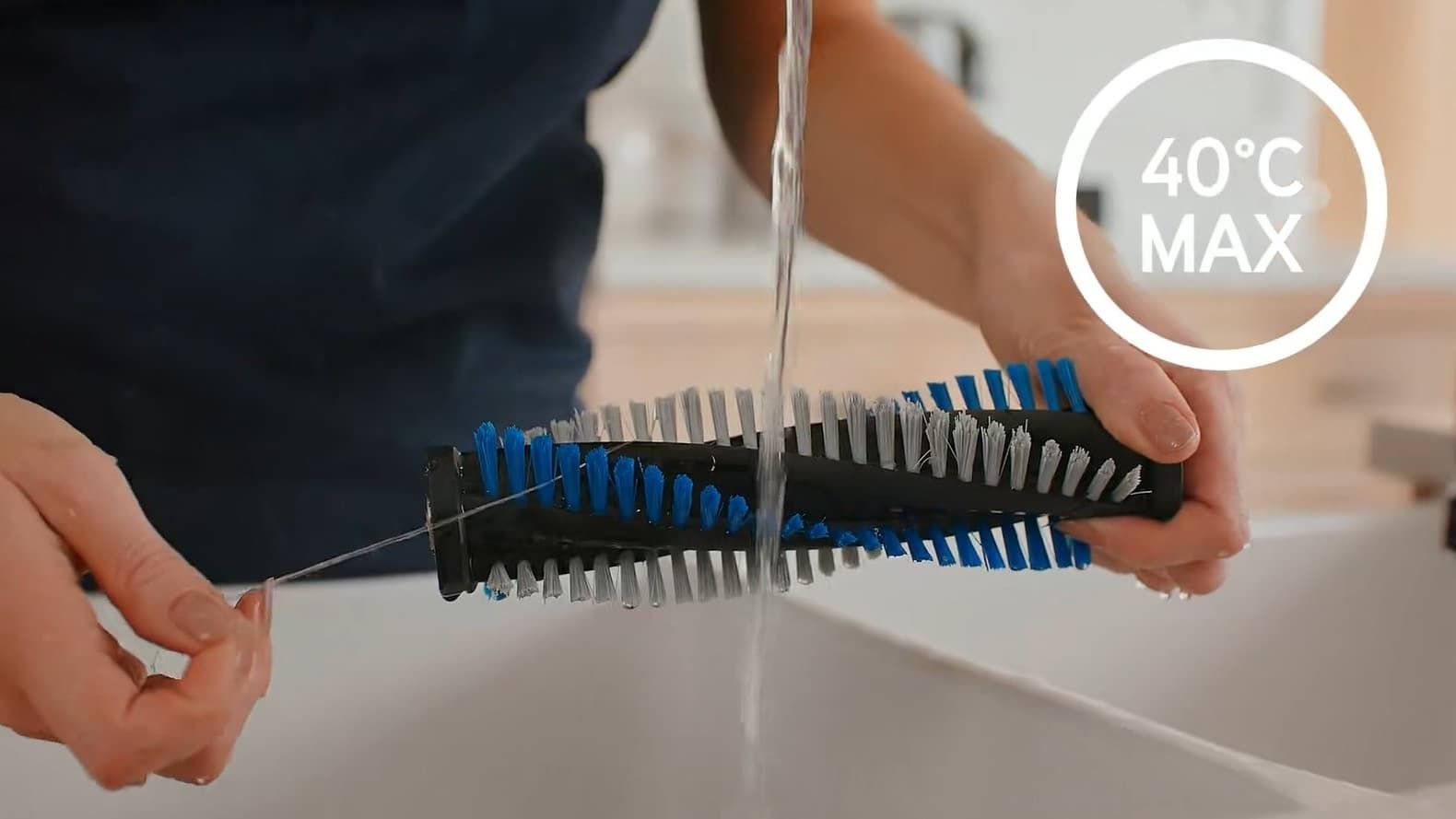
Rinse the brushbar under warm water (max 40°C) to remove any dirt or debris.
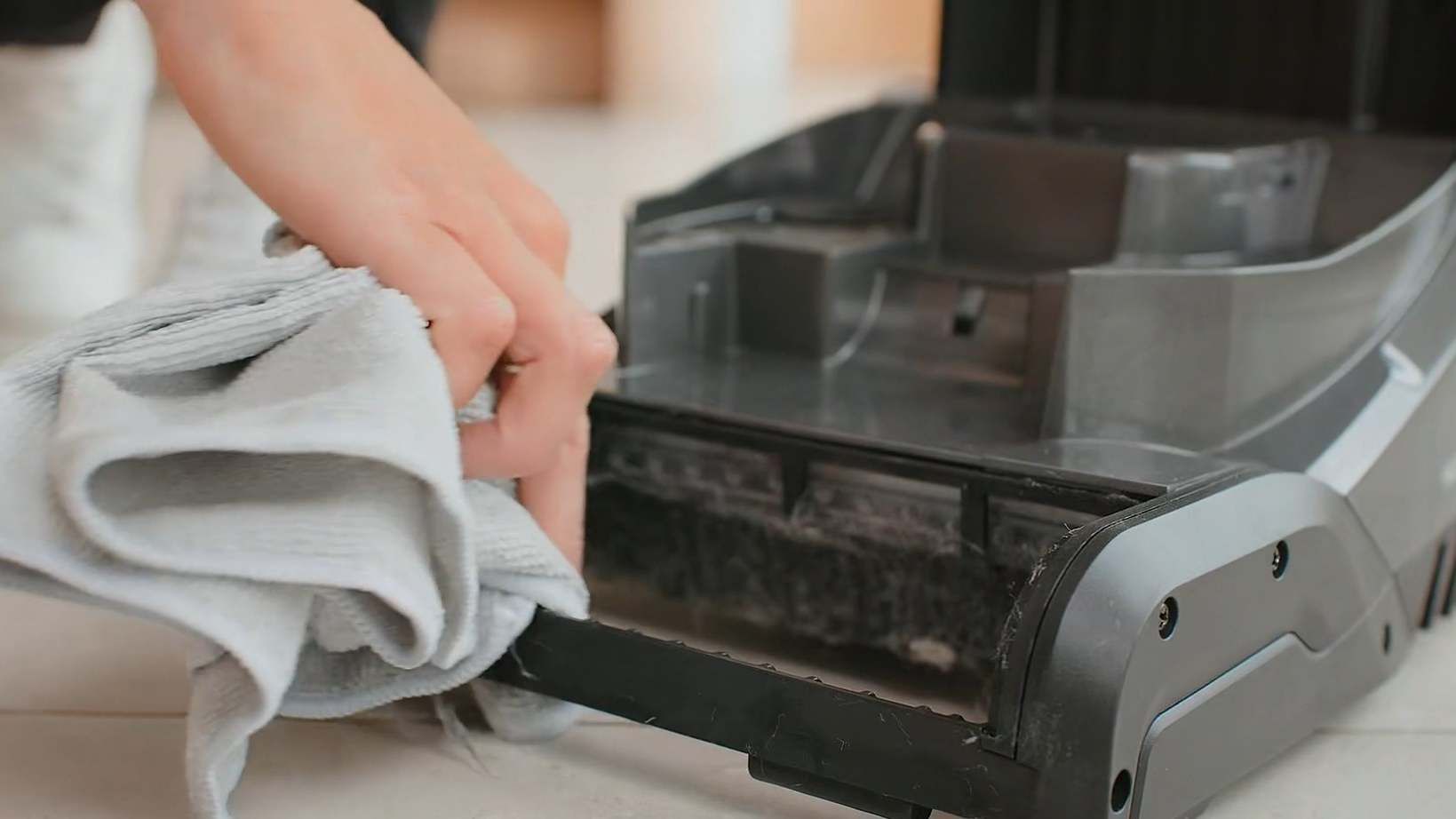
Wipe the brushbar housing with a damp cloth the remove any dirt or debris.
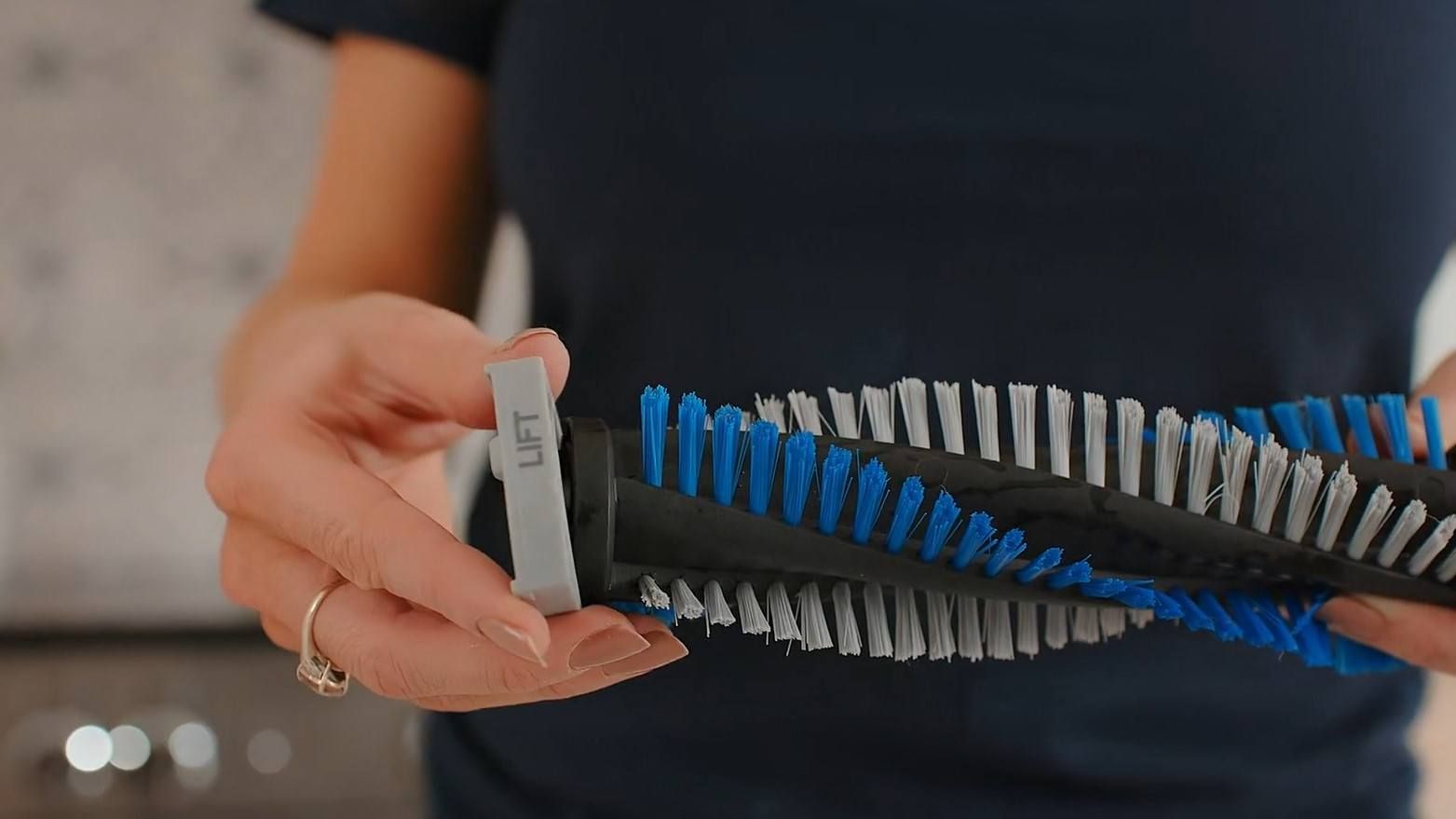
Replace the brushbar endcap.
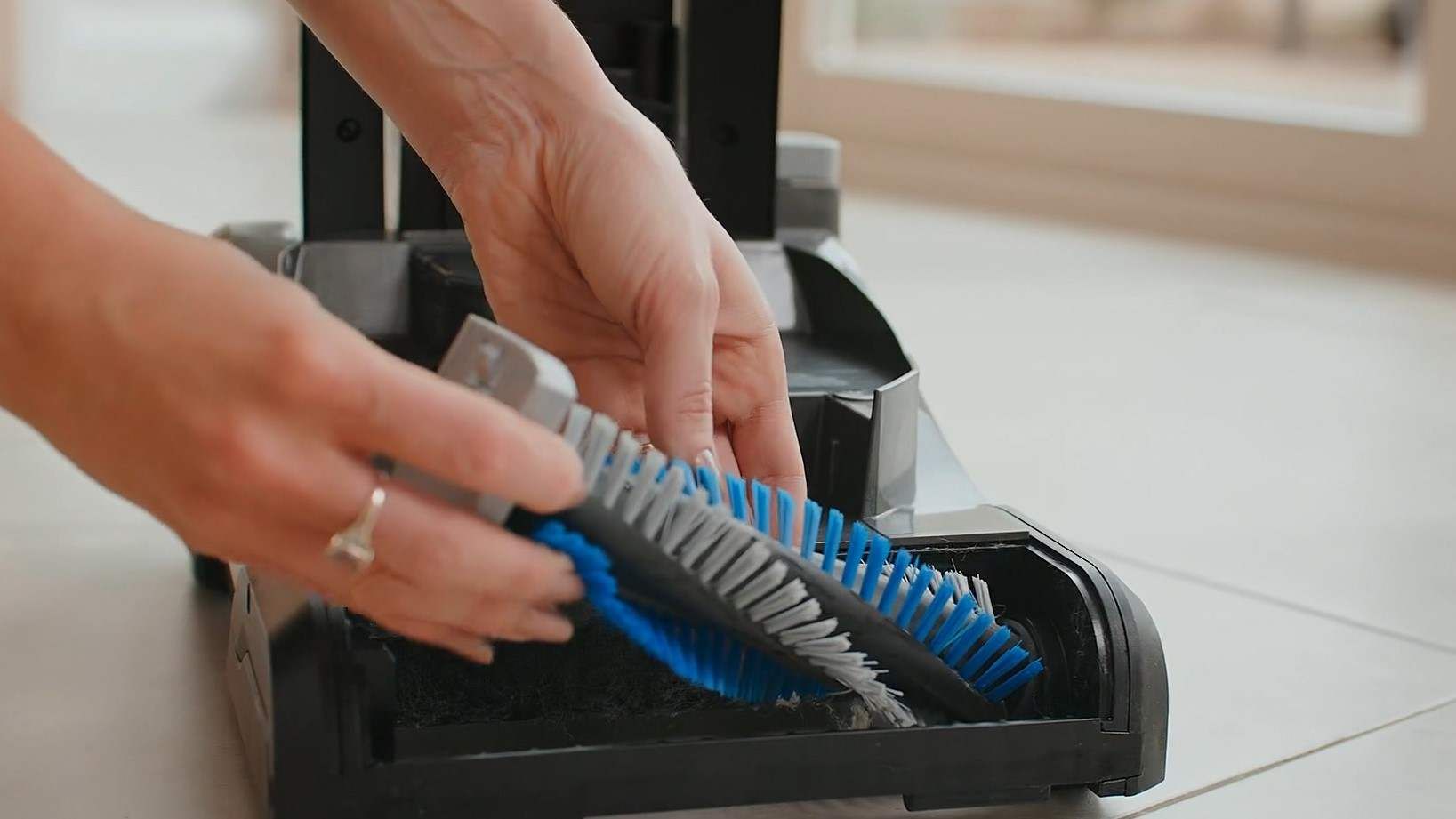
Align the right side of the brushbar onto the spindle.
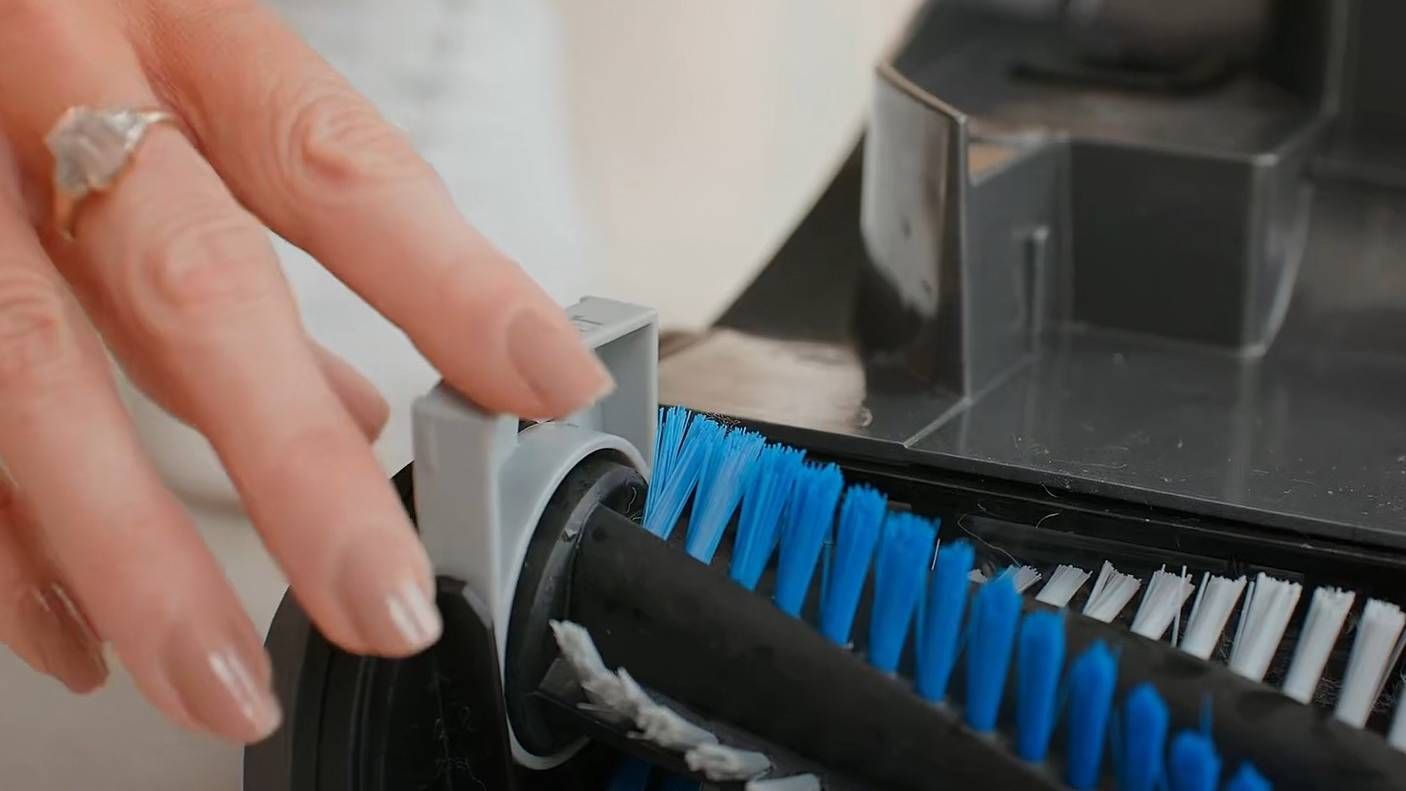
Push the endcap down until the brushbar clicks into place.
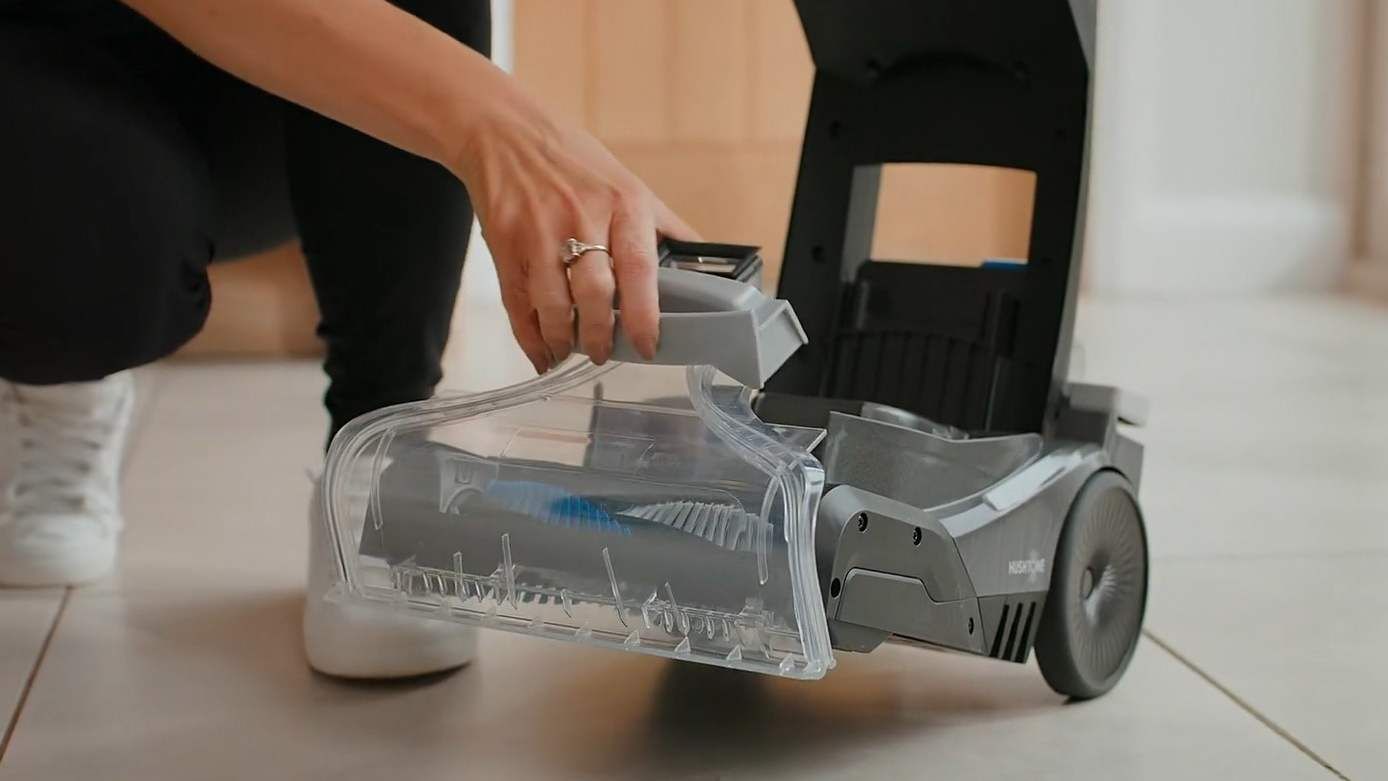
Hook the tabs onto the base of the machine and lower the nozzle backwards until it clicks into place.
Emptying and cleaning the dirty water tank and filter
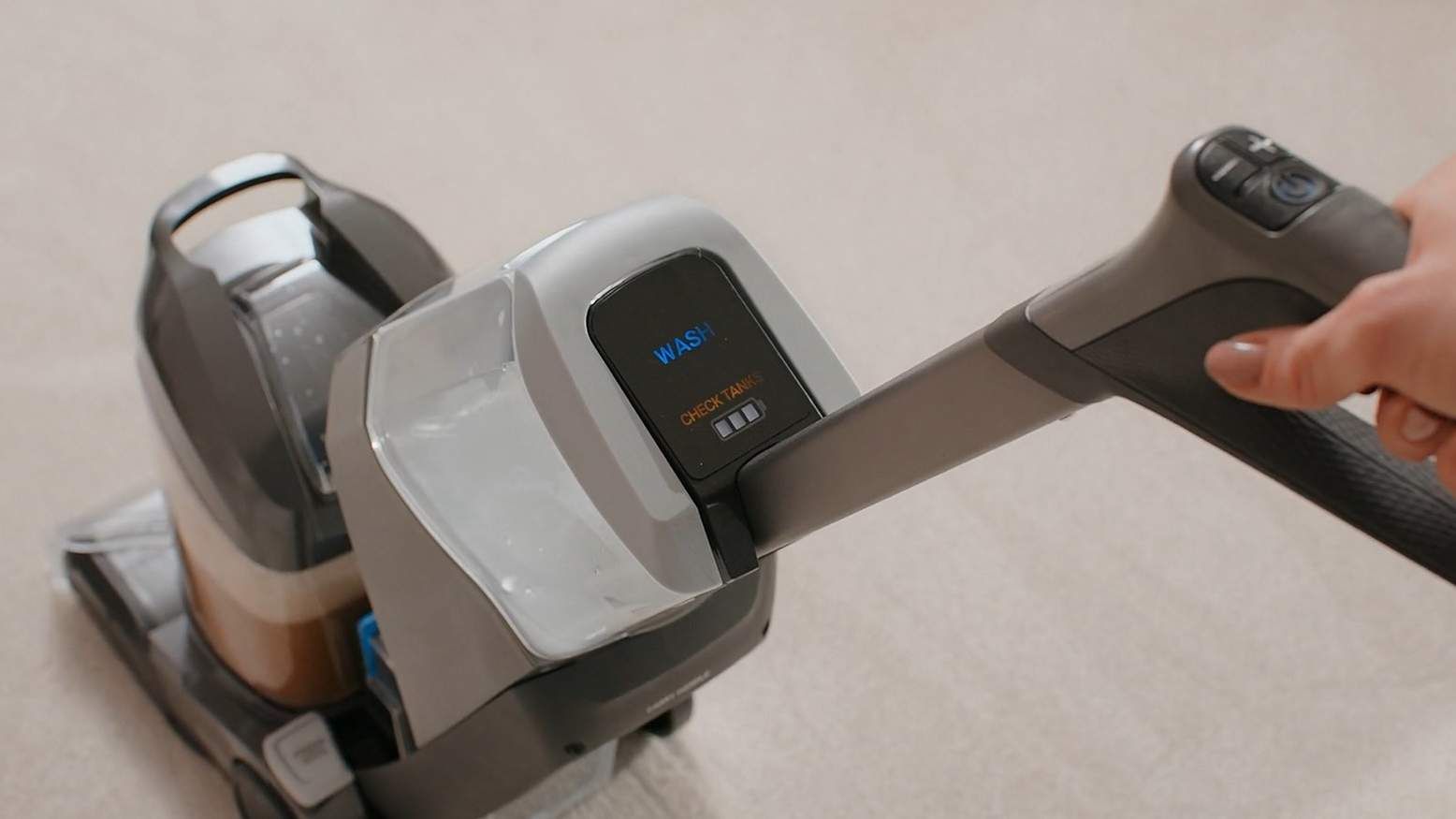
When the tank is full and needs emptying the CHECK TANKS icon will illuminate.
Pull the dirty water tank handle to remove.
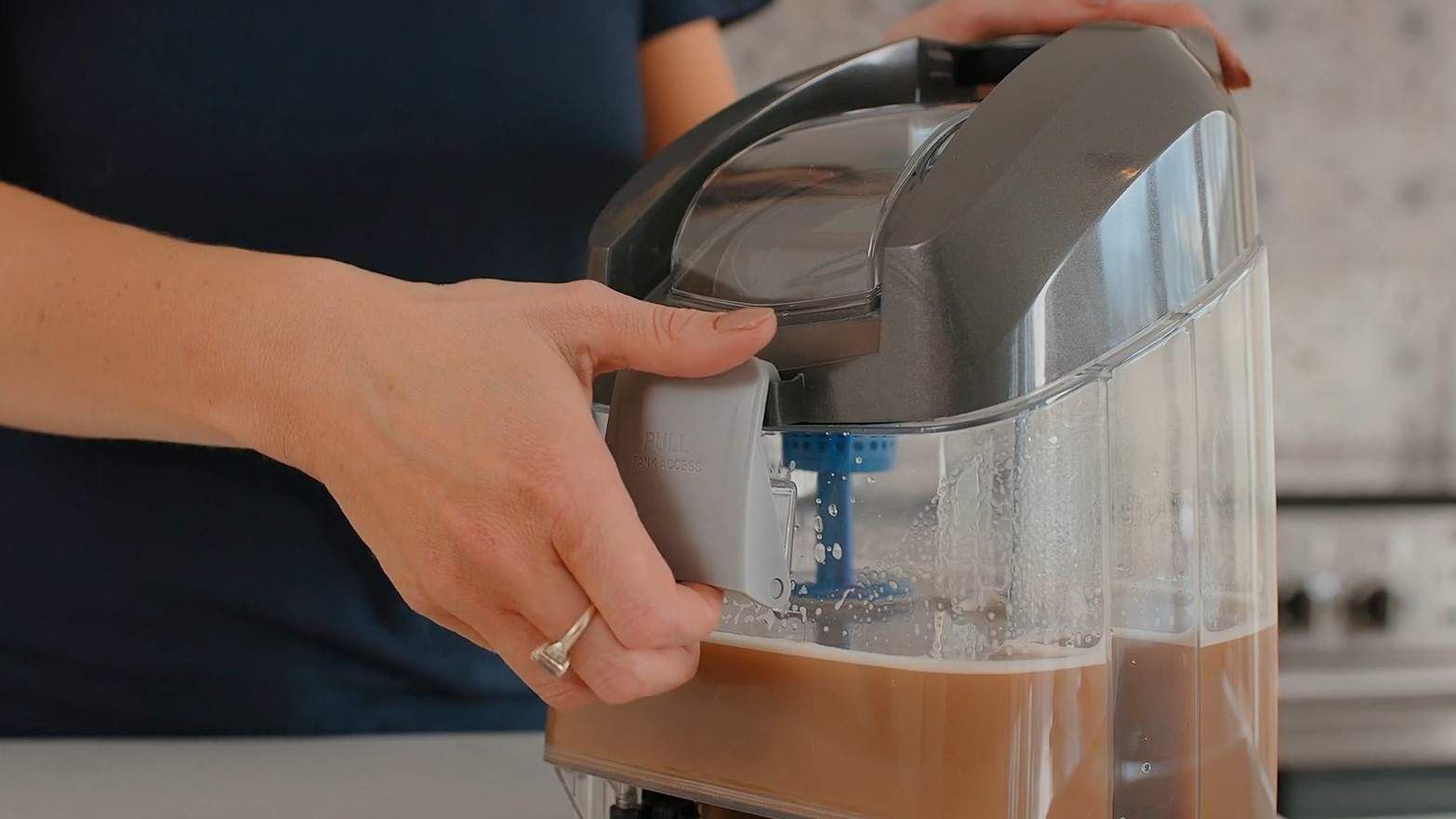
Lift the dirty water tank clip to release the lid.
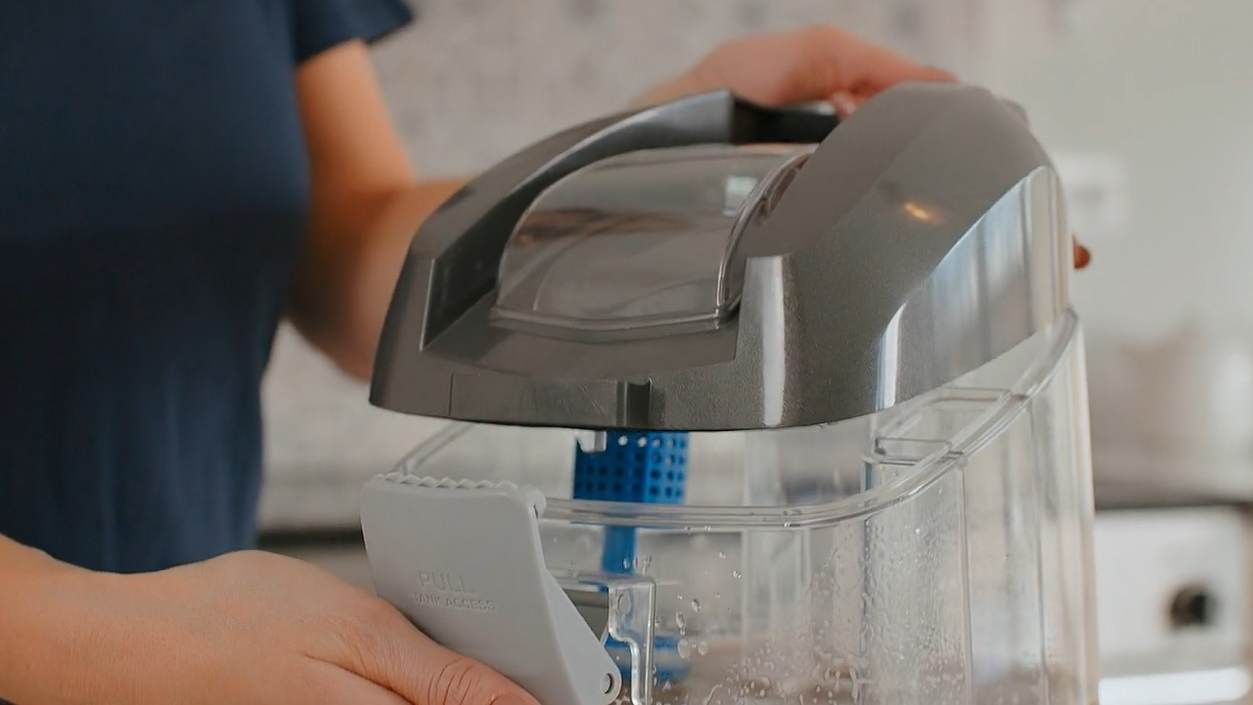
Lift the lid to remove.
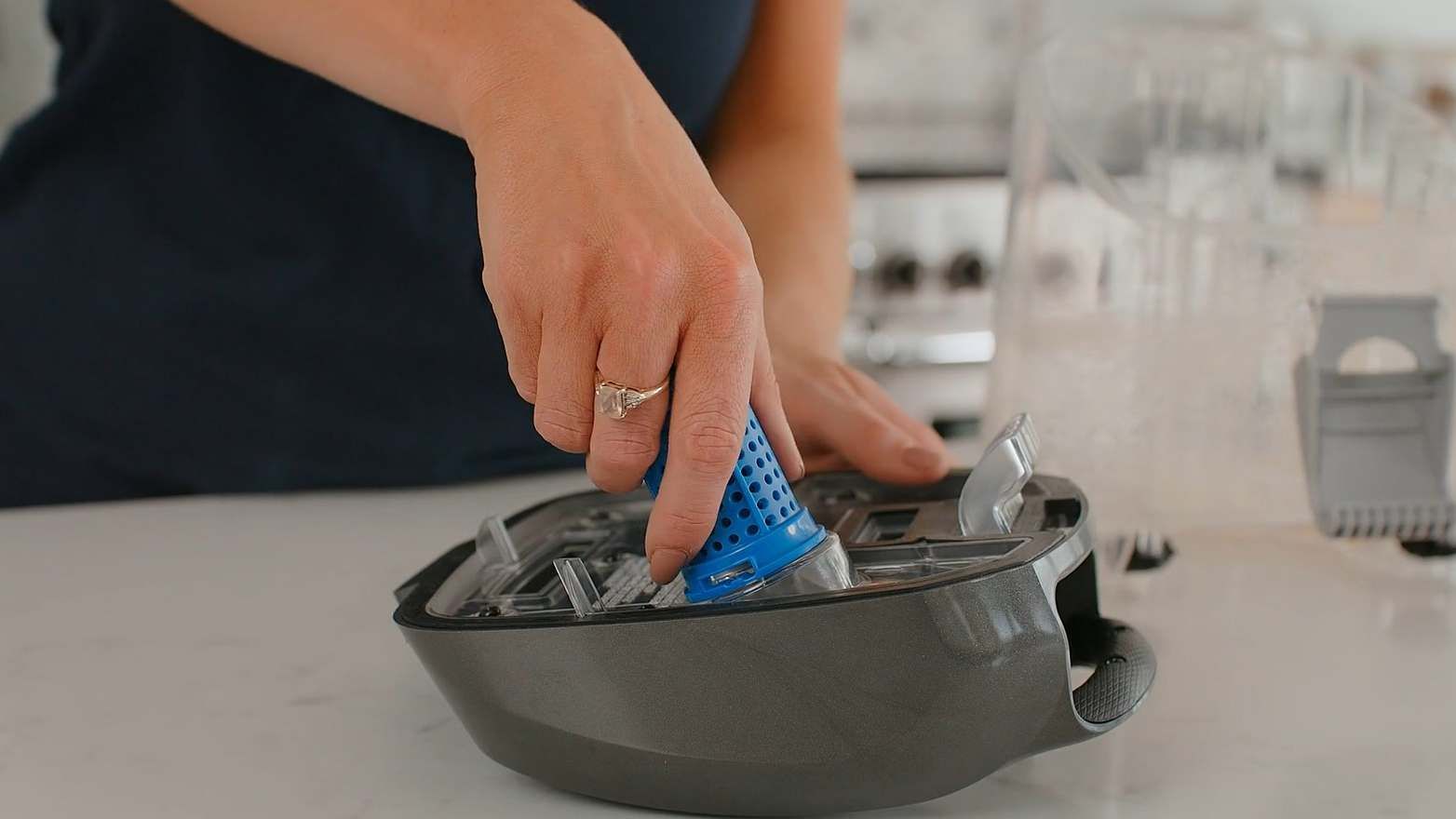
Twist anticlockwise to remove the filter and float.
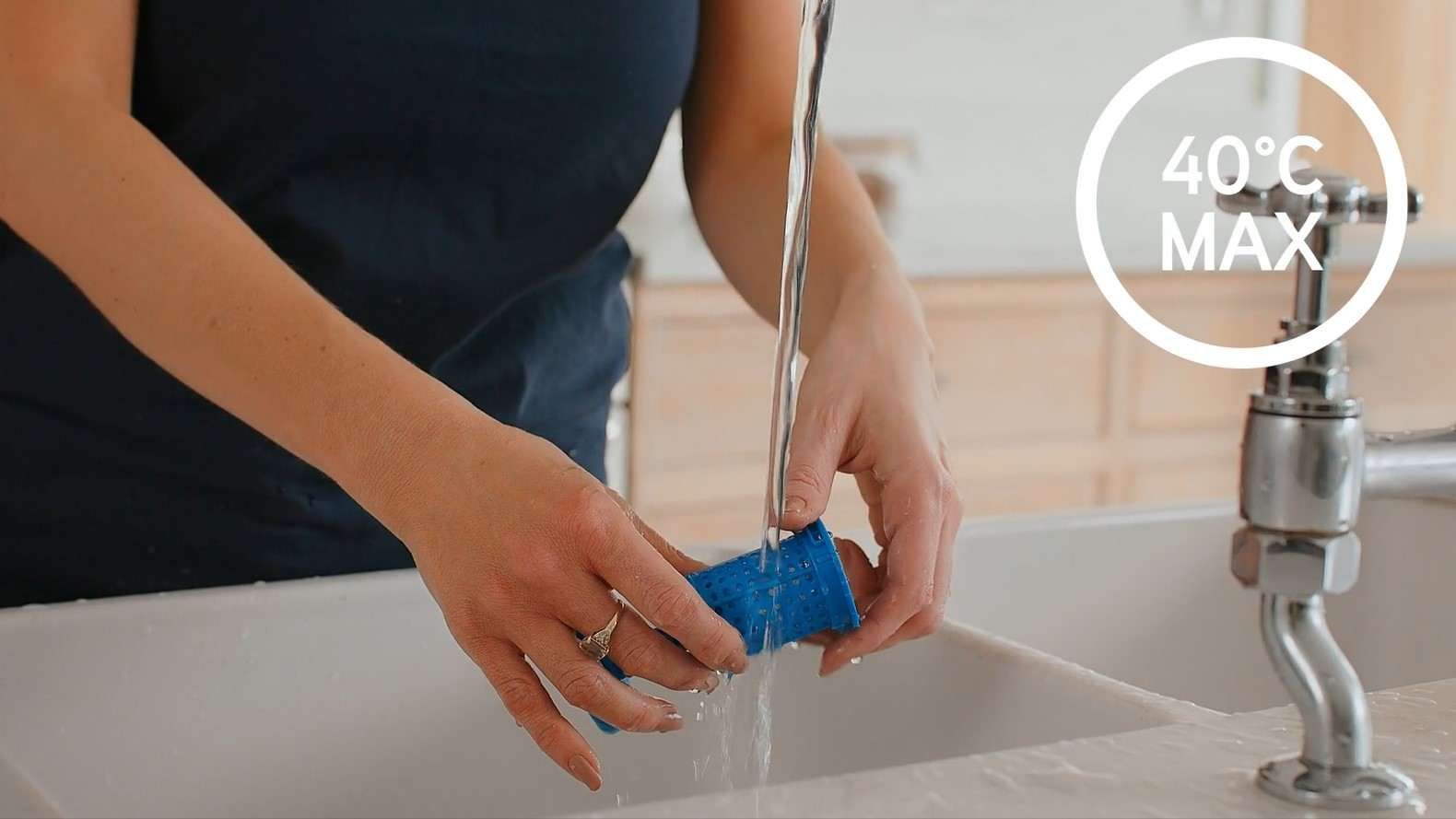
Empty the dirty water tank over the sink or toilet. Rinse the tank, lid and filter assembly under warm water (max 40°C) to remove dirt/debris.
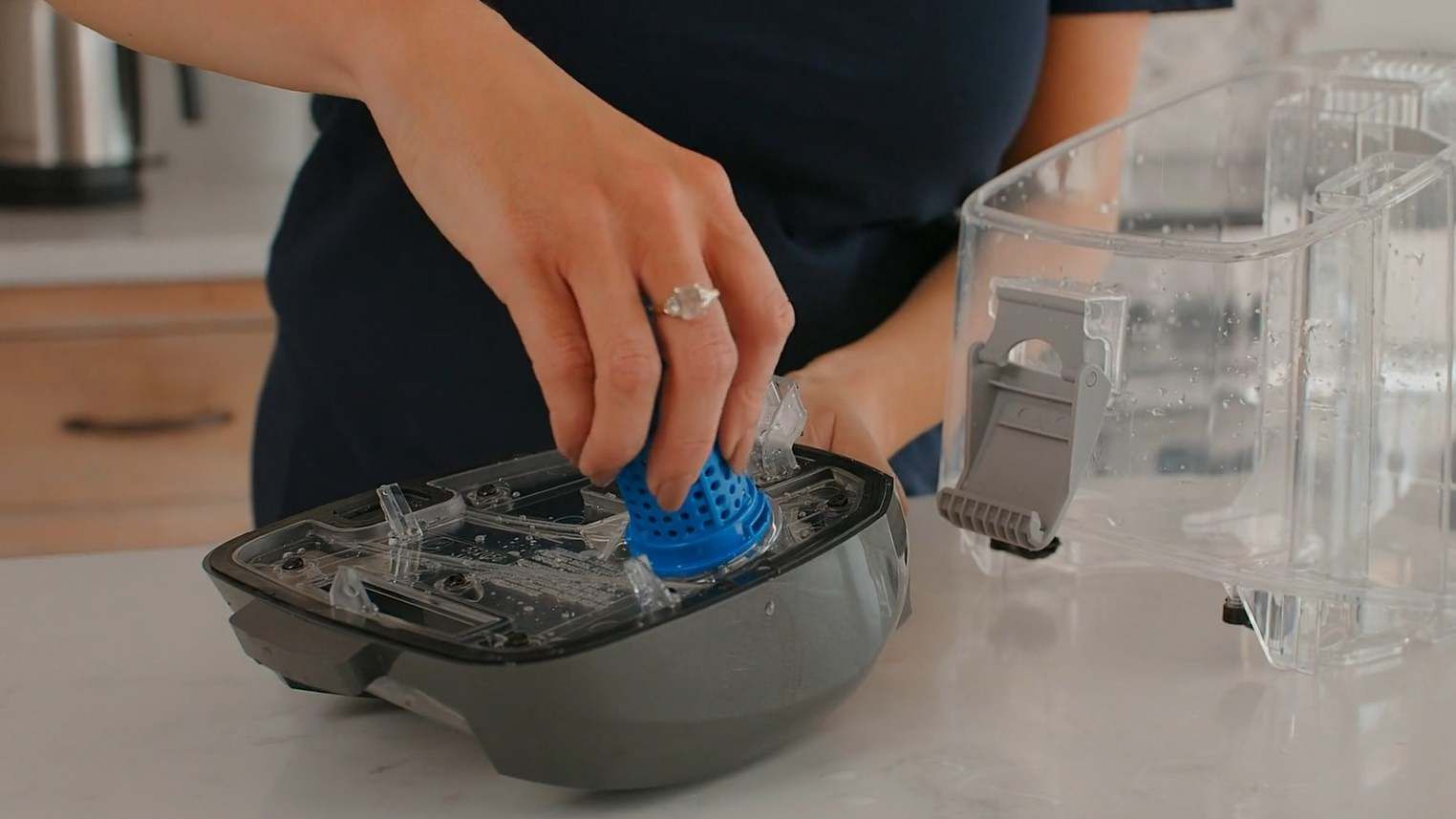
Twist the filter assembly clockwise back into place.
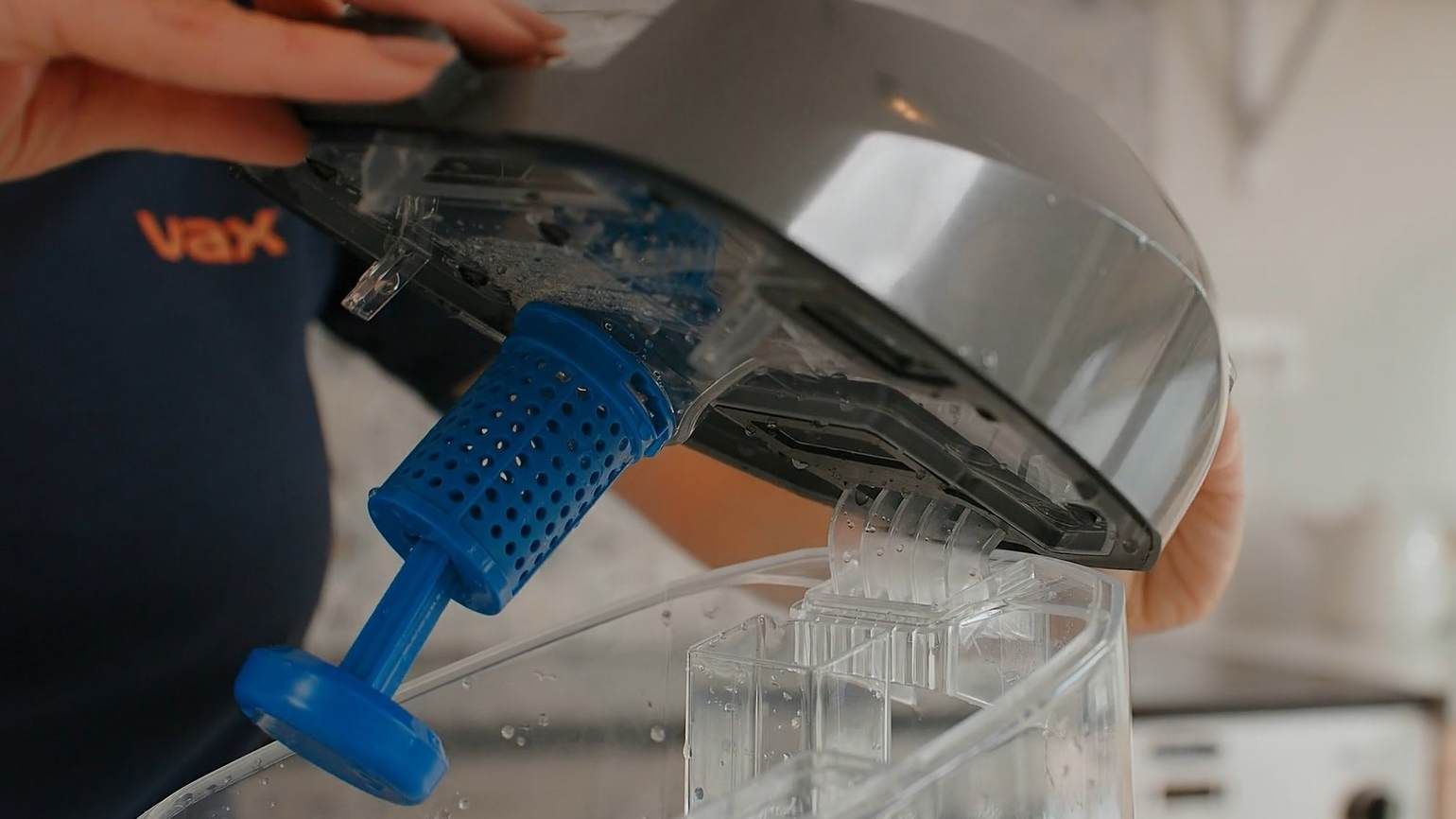
To replace the lid, hook the tab on the front of the dirty water tank.
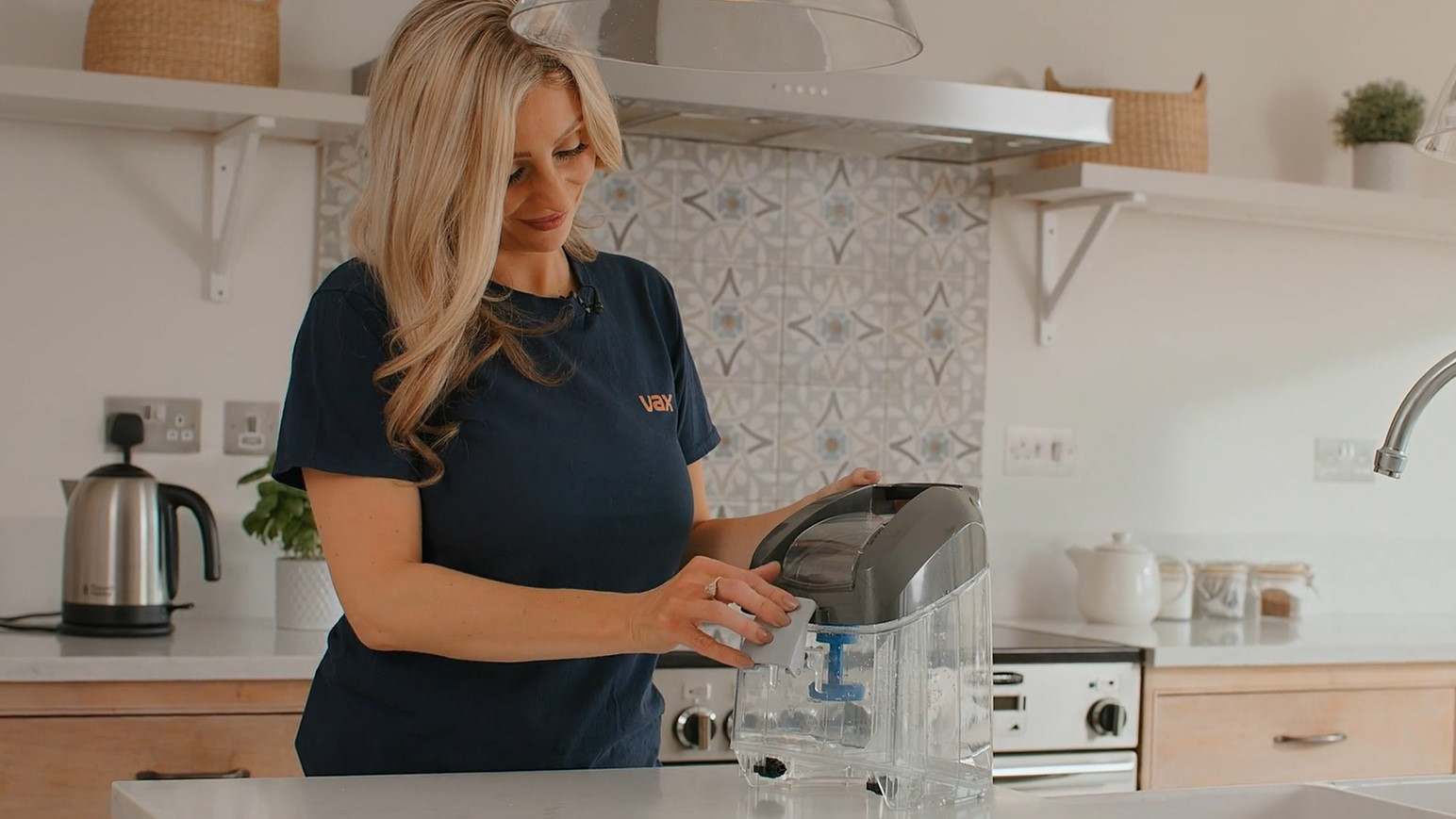
Push the clip up and hook the latch onto the tank lid. Push the top of the latch inwards until it clicks into place.
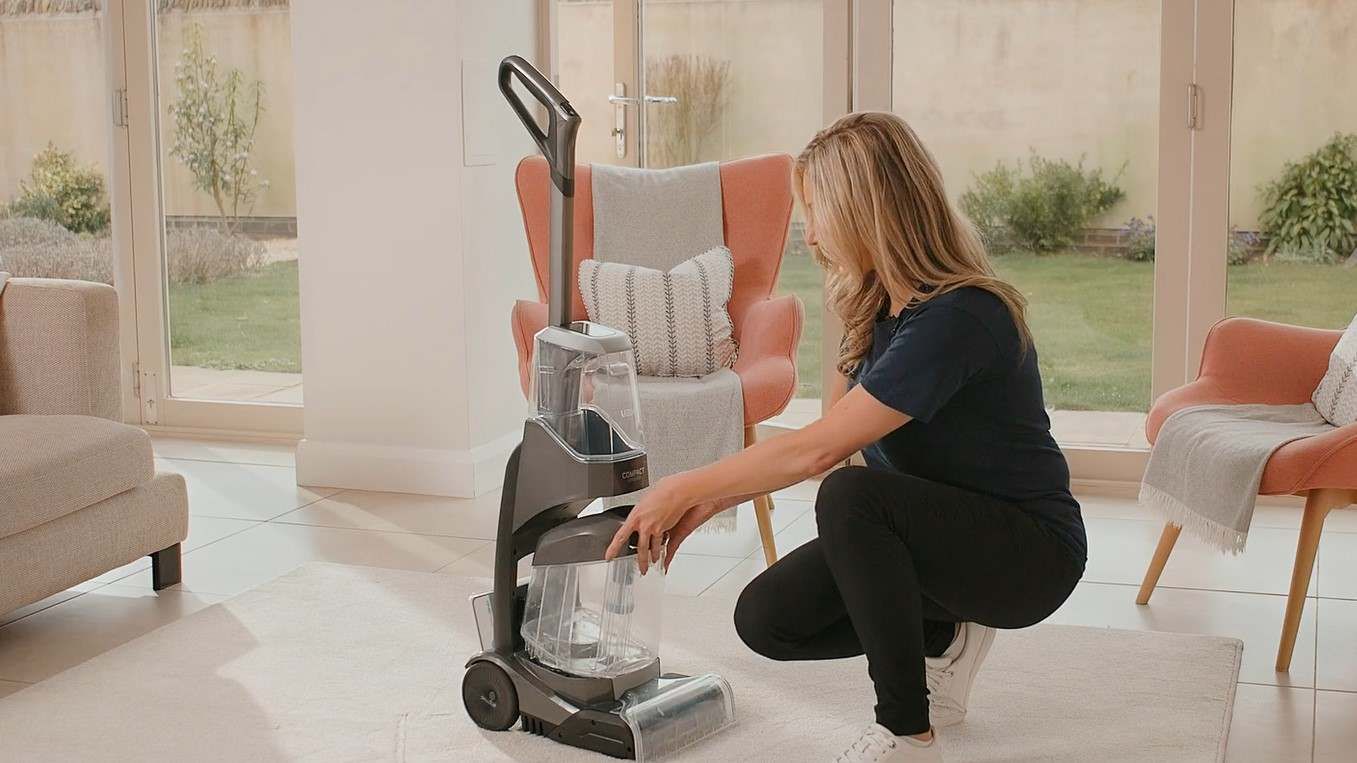
Tilt and line the front of the tank up onto the machine. Push back until it click into place.
Cleaning the filter grill
Remove the battery and the dirty water tank.
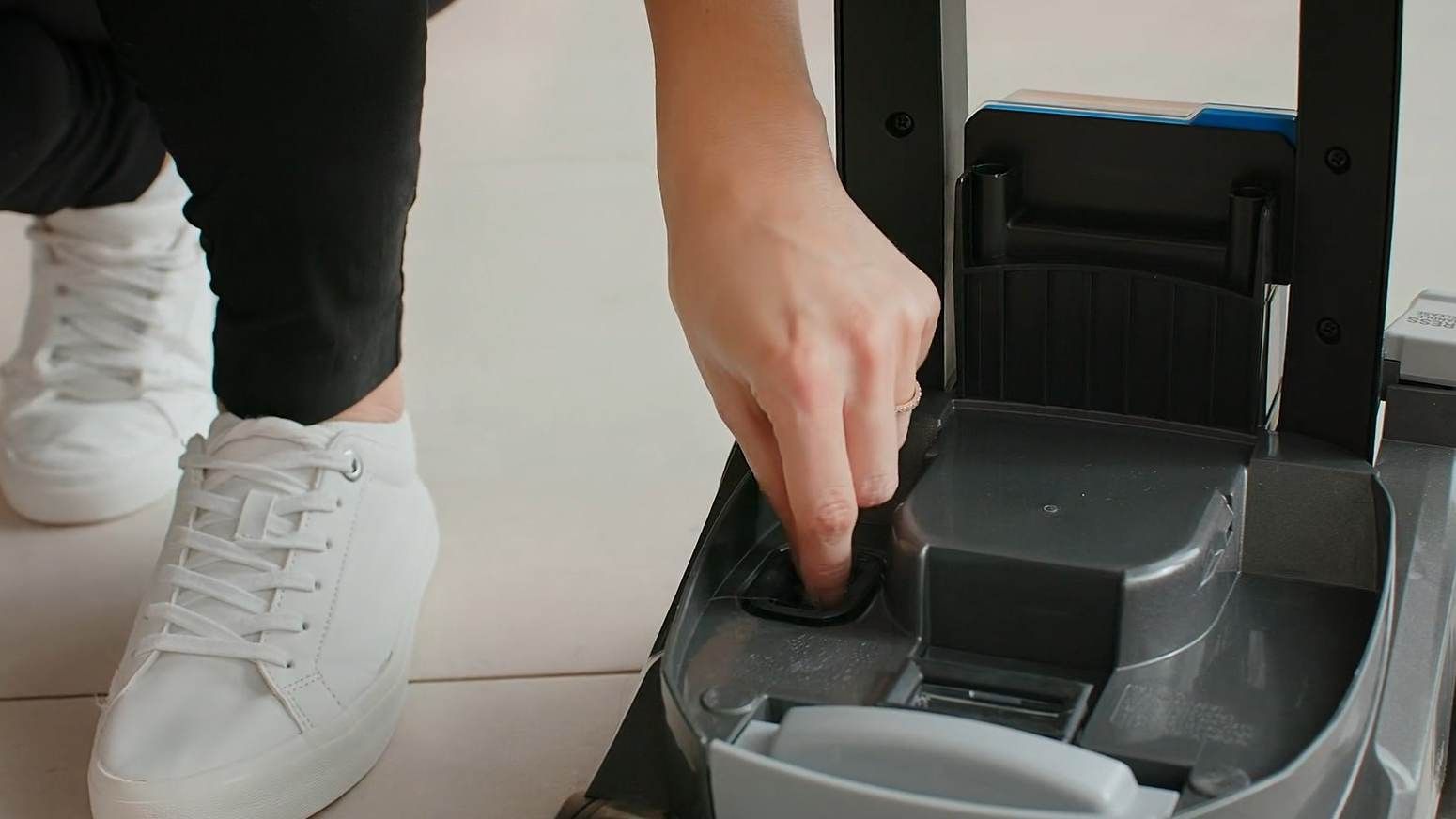
Remove any dirt or debris from the filter grill.
Removing and cleaning the nozzle
Remove the battery and both tanks.
Pull to release the nozzle and unhook from the tabs underneath the machine.
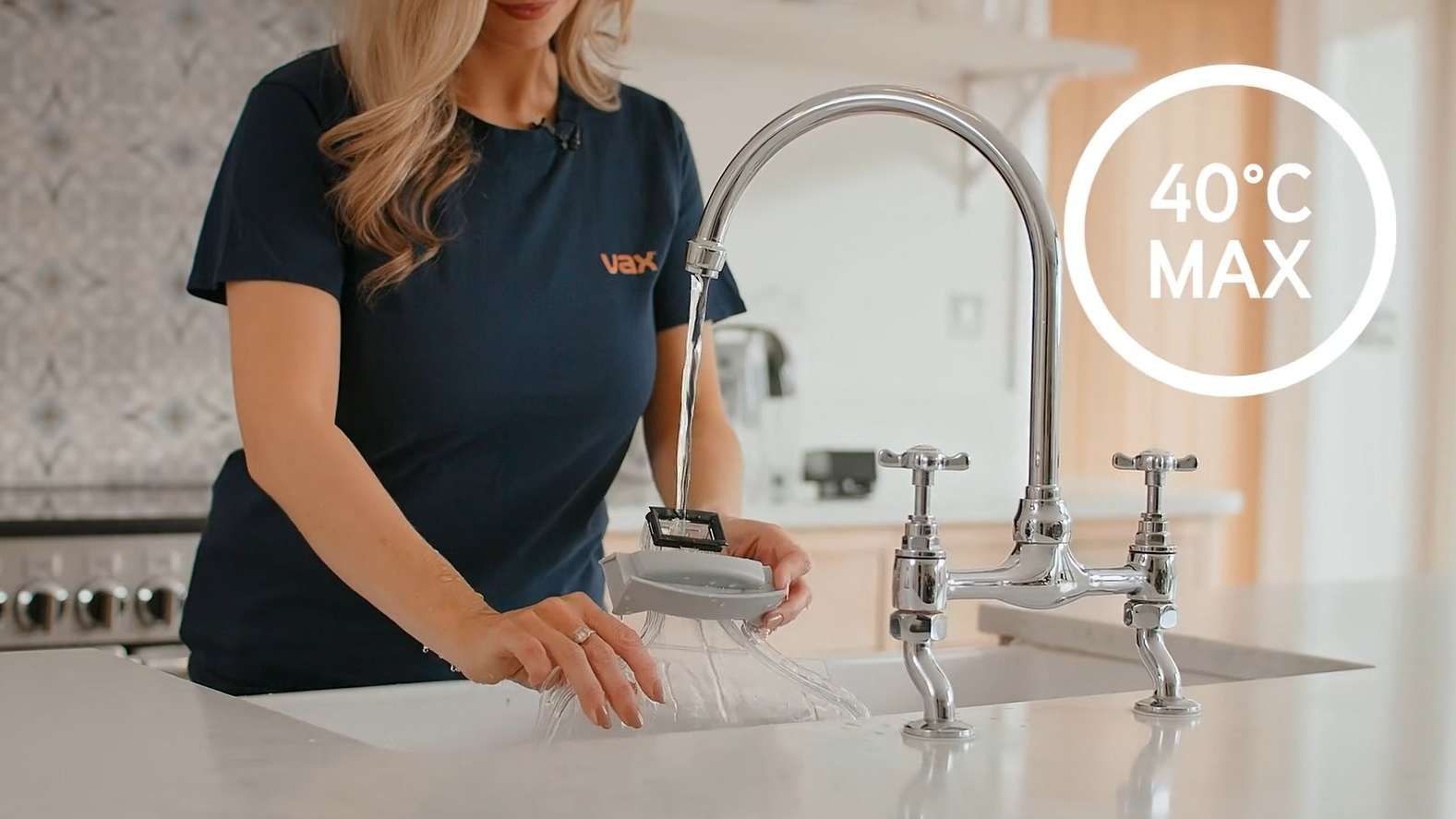
Rinse the nozzle under warm water (max 40°C) to remove dirt or debris.
Hook the tabs onto the base of the machine and lower the nozzle backwards until it clicks into place.
Troubleshooting
Here is what you can do to keep your appliance performing at its best.
Email us
Thank you for your message
Your message has been sent to our customer support team, who will contact you soon
What happens next?
A support request case number will be generated, and you will receive an automated email with the case number and details your original enquiry. Please keep this email safe and use the case number as a reference for any follow up communication regarding this request.
To provide any additional information on your enquiry, you can reply directly to this email and it will get added to your original support enquiry.