
 4.7 out of 5
HandVac Pro
Register Your Product
You can register your Vax product on the Vax website registrations page.
Register your product
Quick links:
How to videos and documents
Useful video and PDF guides, showing you how to use, maintain and fix your Vax product.
%20/HandVac%20Pro%20(NB)%20-%20Product%20Card.png)
/JPEG/VAX_HandVac%20Pro_SKU2%20LB%20-%20Google%20Image.jpg)
Maintenance
Here is what you can do to keep your appliance performing at its best.
Cleaning the filter and separator

Press the dirt container release button and pull to remove.
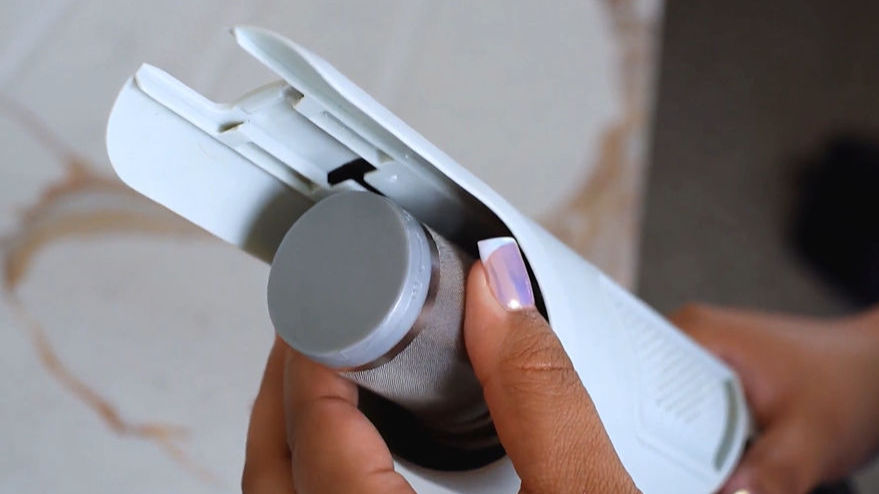
Twist the separator anticlockwise to remove.
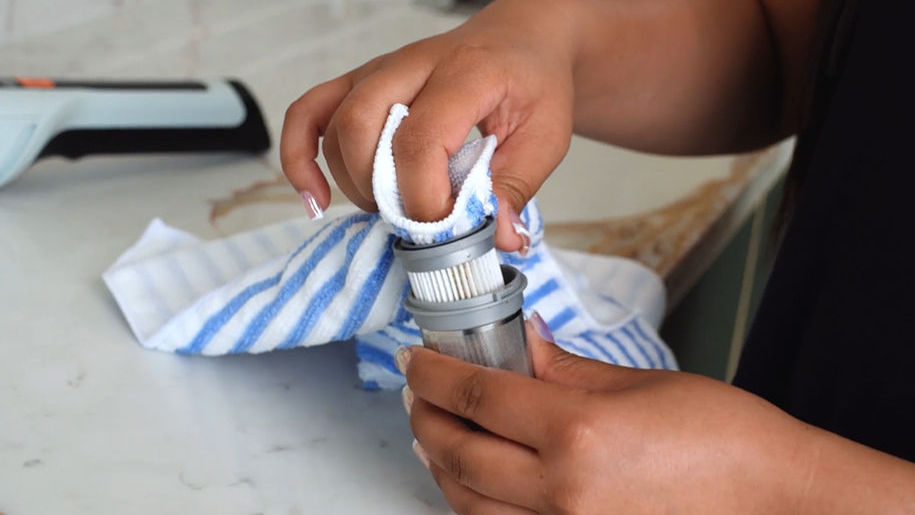
Pull to remove the filter from the separator.
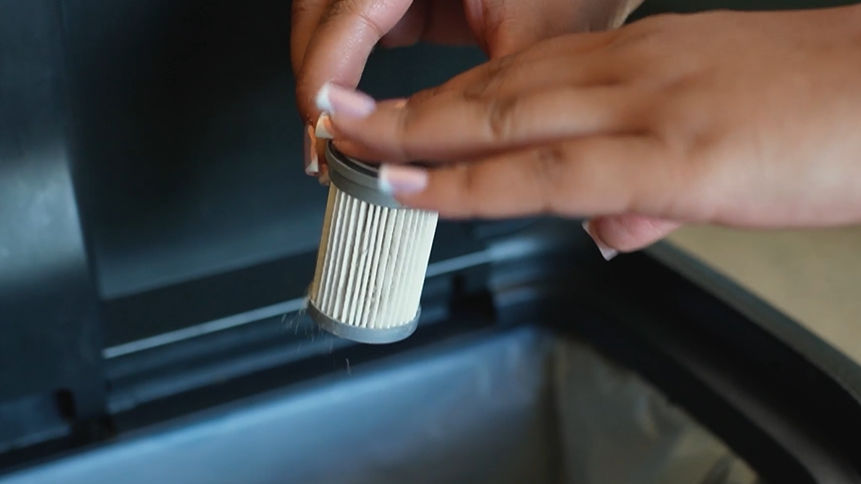
Tap the filter and separator over a bin to remove dirt and debris and wipe the separator with a dry cloth.
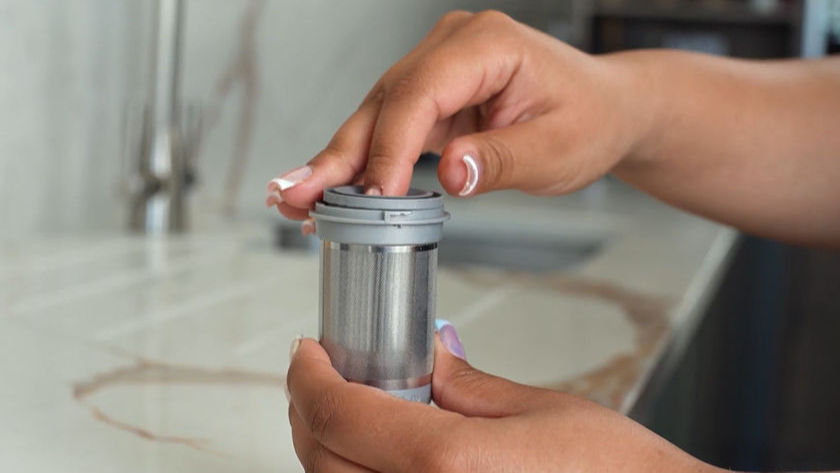
Push the filter back into the separator.
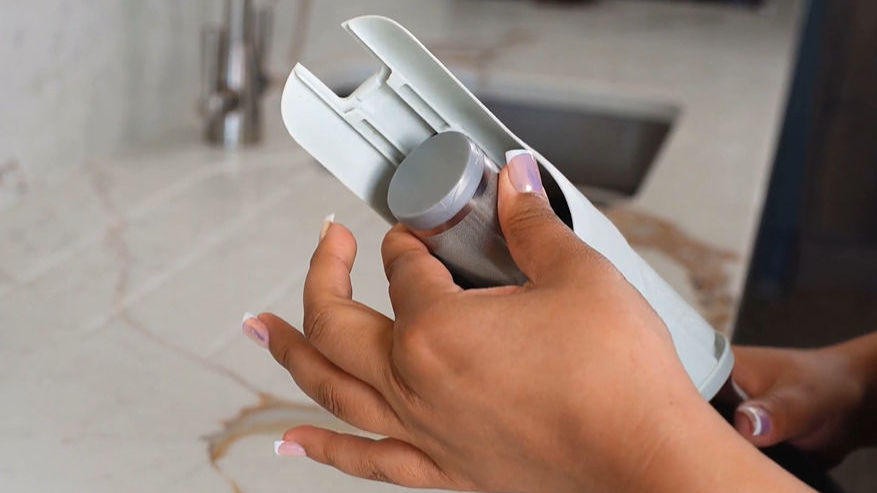
Line up the tabs on the separator with the handheld and twist clockwise to lock into place.
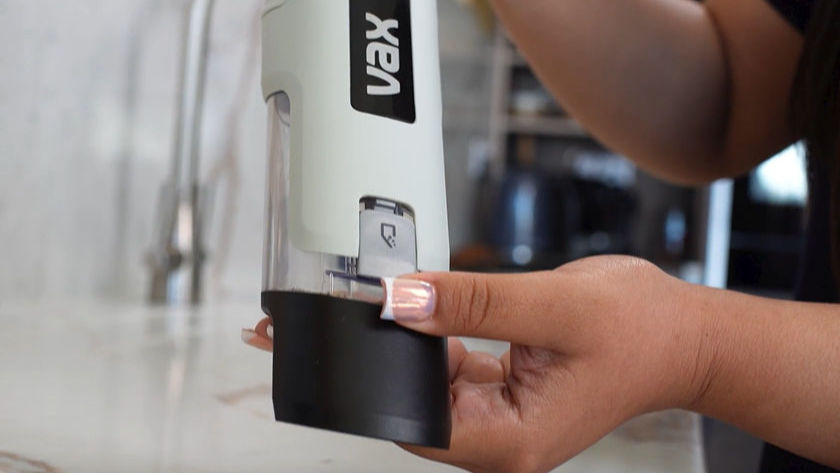
To refit the dirt container, push onto the handheld until it clicks into place.
Emptying the dirt container
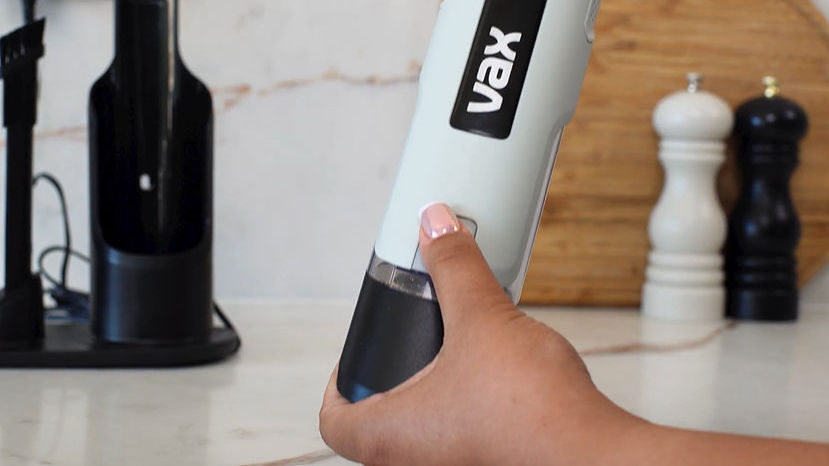
Press the dirt container release button and pull to remove the dirt container.
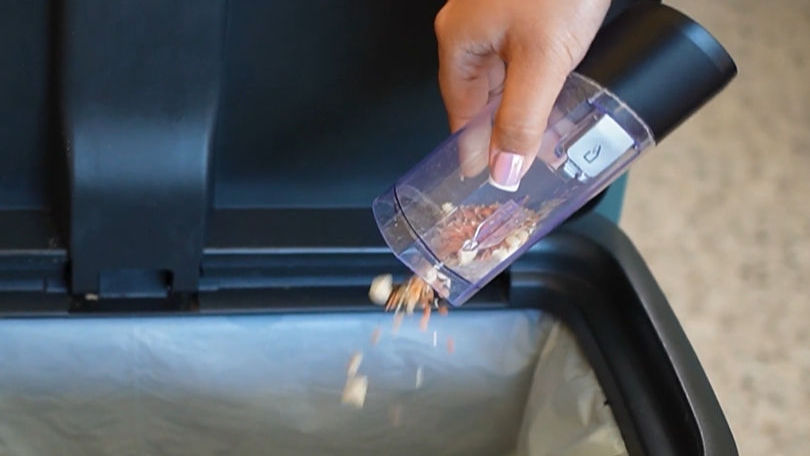
Hold the dirt container over a bin allowing any dirt and debris to fall out.
To refit the dirt container, push onto the handheld until it clicks into place.
Charging the batteries
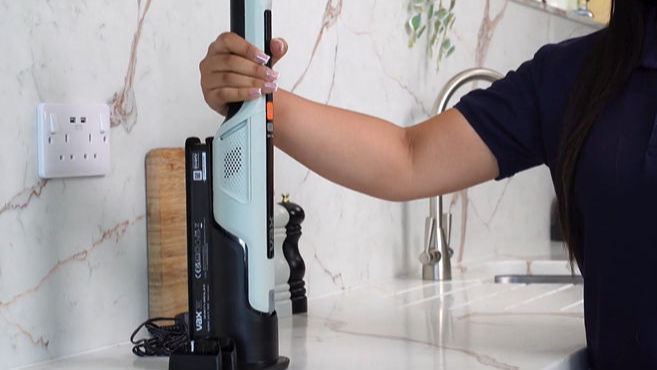
With the batteries fitted, place the handheld onto the charging stand.
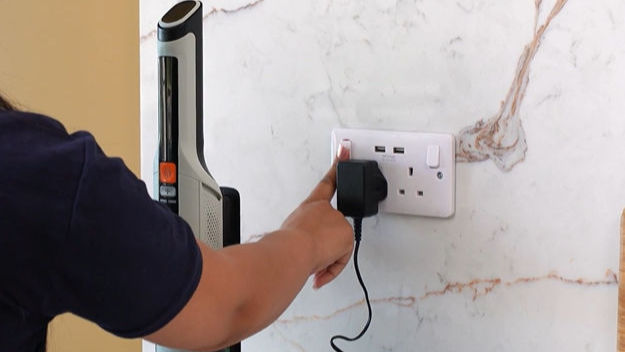
Plug the charging stand into the mains.
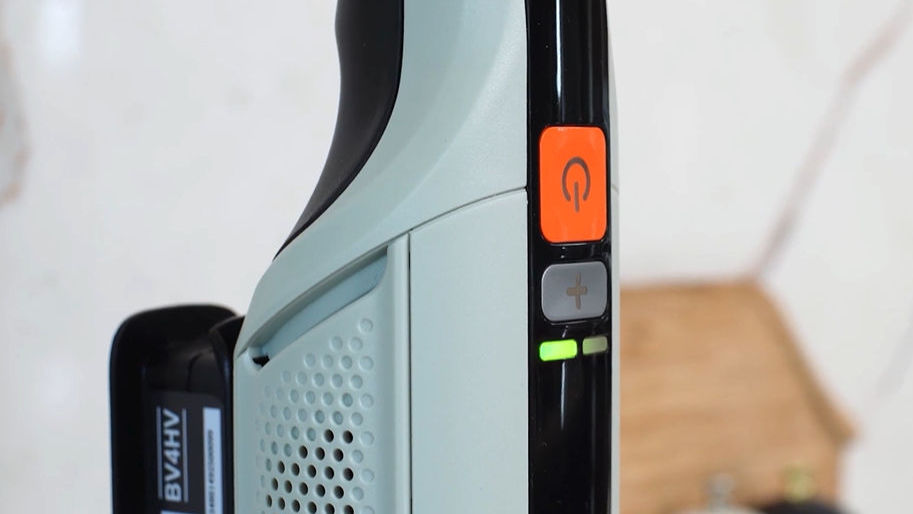
The LED indicator will illuminate when the batteries are charging. When the handheld is fully charged unplug the charger from the mains.
Troubleshooting
Here is what you can do to keep your appliance performing at its best.